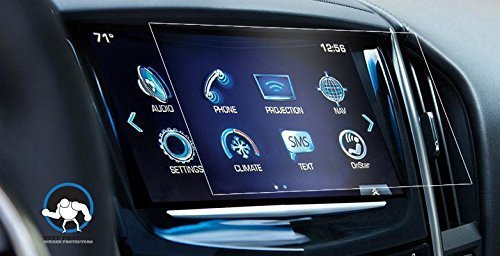
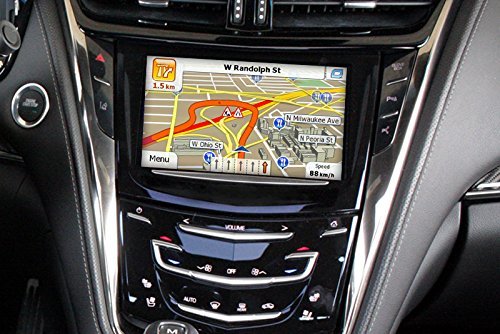
Cadillac’s advanced technology is a major selling point, but it’s also one of the most expensive areas to repair if neglected. Protecting these systems requires awareness, not constant intervention. Infotainment System Care Touchscreens and digital displays should be cleaned gently using microfiber cloths. Harsh cleaners can damage coatings and reduce […]
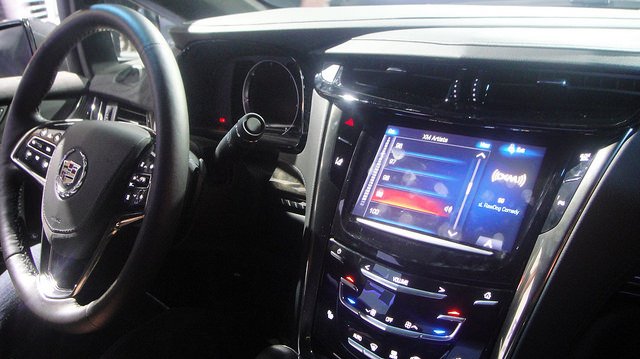
How to Keep Cadillac Technology and Infotainment Running Smoothly
Cadillac’s infotainment systems are powerful but require upkeep. Keep software updated to avoid glitches, slow response times, or connectivity problems. Updates may include performance improvements and bug fixes. Clean touchscreens using microfiber cloths only—abrasive materials can scratch or damage displays. Pair devices correctly and remove unused Bluetooth connections to prevent […]
How to Access Hidden Cadillac Infotainment Menus
Cadillac infotainment systems have service menus that most owners never see.Follow these simple steps: Turn the ignition on but don’t start the engine. Press and hold the Home + Fast Forward buttons on the infotainment screen for about 10 seconds. The service menu will appear with system diagnostics, firmware versions, […]
How to Prevent Cadillac Cue Touchscreen Failure
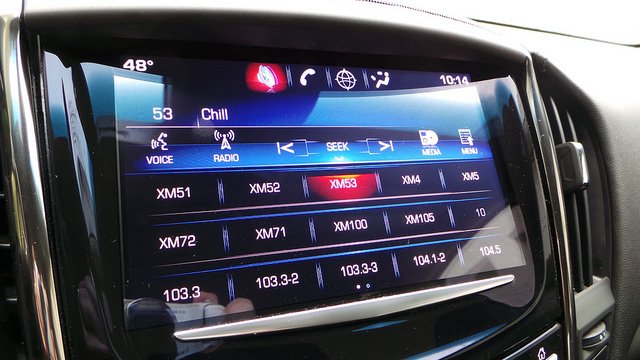
The Cadillac CUE infotainment system is notorious for becoming unresponsive or “ghost pressing.” You can prevent most issues with a few habits. Tips: Avoid pressing with fingernails—use the pad of your finger. Keep the screen clean with a microfiber cloth (no alcohol cleaners). Don’t store your Cadillac in direct sunlight […]
How to use the Adaptive Cruise Control feature in a Cadillac?
To use the adaptive cruise control feature in a Cadillac vehicle, follow these general steps: Activate Cruise Control: Start by driving your Cadillac on a road with clear visibility and minimal traffic. Press the “CRUISE” or “SET” button located on the steering wheel to activate the cruise control system. Set […]
How to perform a software update for the Cadillac CUE system?
Performing a software update for the Cadillac CUE (Cadillac User Experience) system typically involves several steps. Here’s a general guide: Check for Updates: Before you begin, check if there are any available software updates for your Cadillac CUE system. You can do this by visiting the Cadillac owner’s portal or […]
How to Recalibrate Needles on Cadillac Instrument Cluster Gauges?
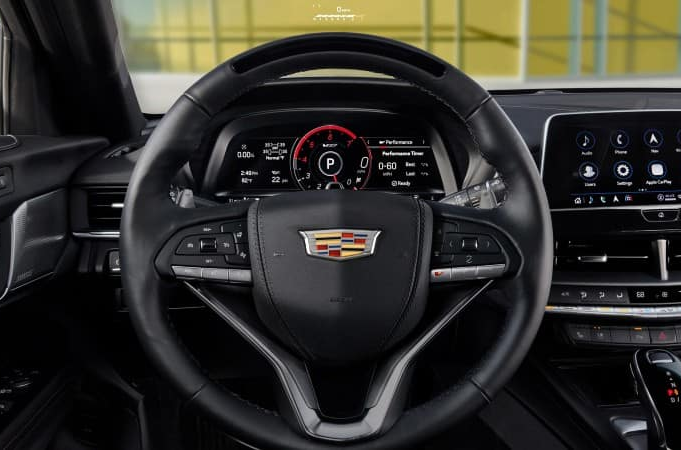
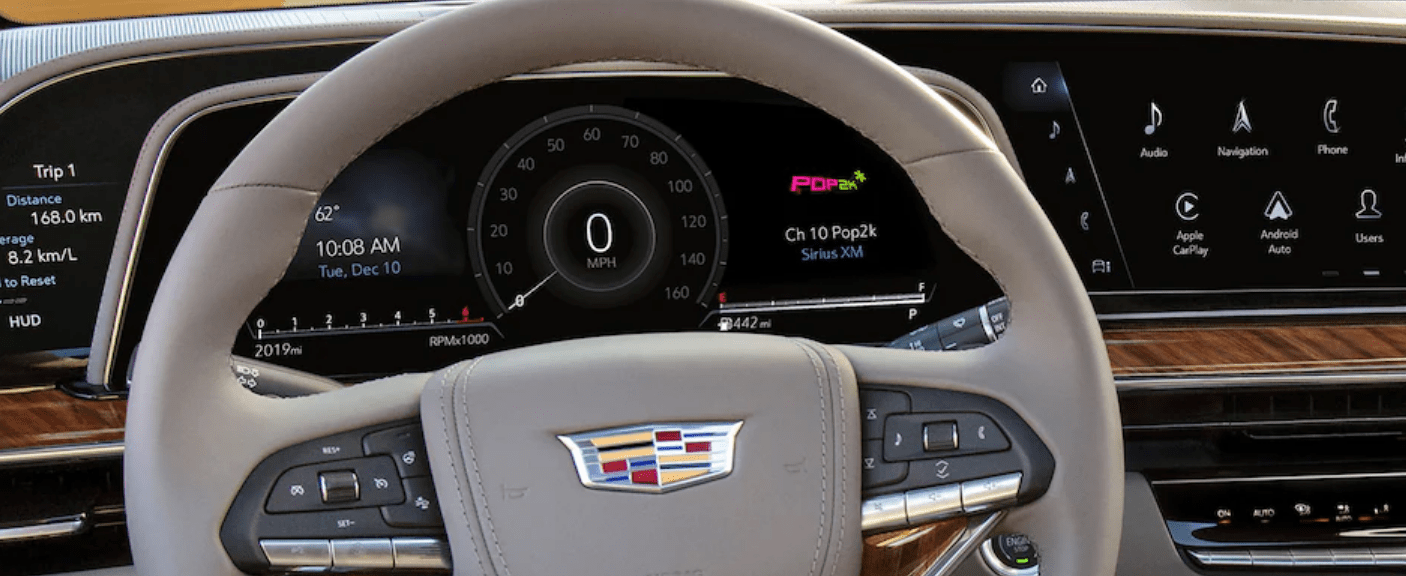
Recalibrating needles on Cadillac instrument cluster gauges can be a delicate process, and it’s important to proceed with caution to avoid damaging the gauges or the instrument cluster. Here’s a general guide on how to recalibrate needles on Cadillac instrument cluster gauges: Identify the Issue: Before attempting to recalibrate the […]
How to Diagnose Inaccurate Readings on Cadillac instrument cluster gauges?
Diagnosing inaccurate readings on Cadillac instrument cluster gauges involves a systematic approach to identify and address potential issues. Here’s a step-by-step guide: Verify the Accuracy: Start by verifying the accuracy of the readings using alternative methods, such as checking the vehicle’s actual speed using GPS, verifying fuel levels manually, or […]
How to Navigate through the Menus and Settings of Cadillac CUE?
To navigate through the menus and settings of Cadillac CUE (Cadillac User Experience), you can follow these general steps: Access the Cadillac CUE System: Start by turning on your vehicle’s ignition or pressing the “Power” button without starting the engine. Once the Cadillac CUE system is powered on, navigate to […]
How to use the Navigation in Cadillac CUE to Set Destinations?
To use the navigation system in Cadillac CUE (Cadillac User Experience) to set destinations and find points of interest, you can follow these general steps: Access the Navigation App: Start by turning on your vehicle’s ignition or pressing the “Power” button without starting the engine. Then, navigate to the Cadillac […]