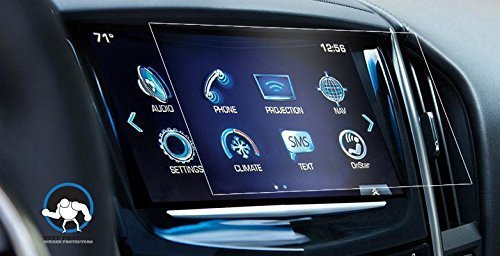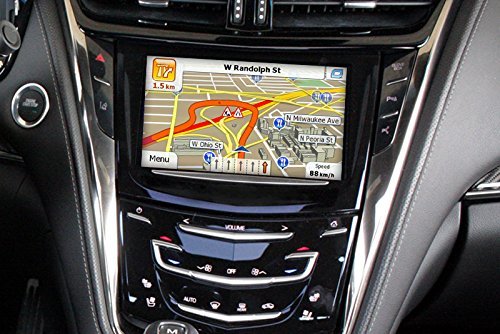
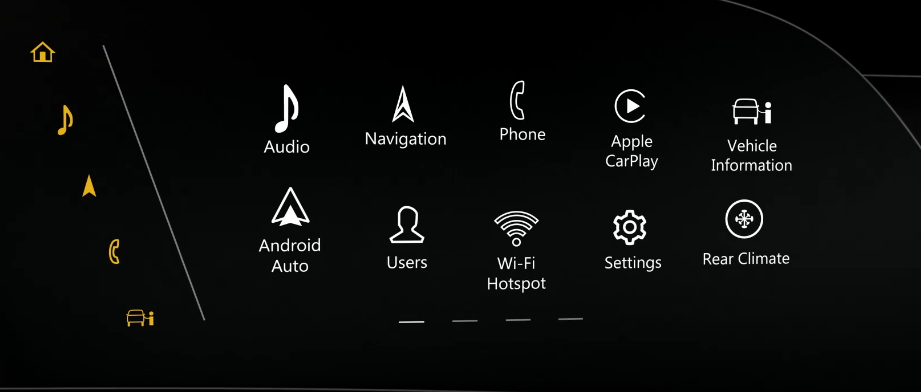
To customize the home screen layout and display preferences in Cadillac CUE (Cadillac User Experience), you can follow these general steps: Access the Cadillac CUE Home Screen: Start by turning on your vehicle’s ignition or pressing the “Power” button without starting the engine. Once the Cadillac CUE system is powered […]
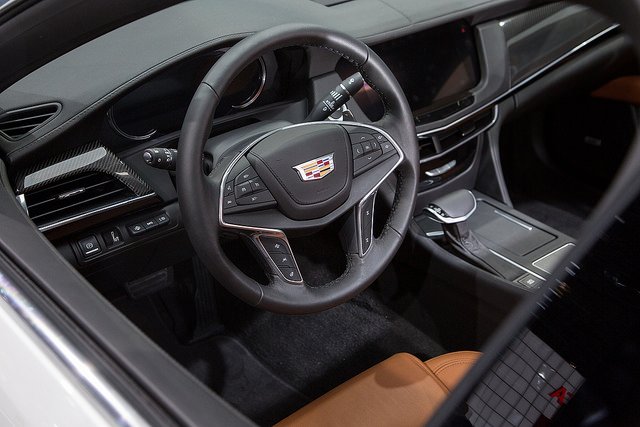
How to Access and use Voice Commands to Control the Cadillac CUE?
To access and use voice commands to control the Cadillac CUE (Cadillac User Experience) system, you can follow these general steps: Activate Voice Recognition: Start by turning on your vehicle’s ignition or pressing the “Power” button without starting the engine. Once the Cadillac CUE system is powered on, you can […]
How to adjust the climate control settings in Cadillac CUE?
To adjust the climate control settings and temperature in Cadillac CUE, you can follow these general steps: Access the Climate Control Interface: Start by turning on your vehicle’s ignition or pressing the “Power” button without starting the engine. Then, navigate to the Cadillac CUE system on the touchscreen display. Select […]
How to set up and program radio station presets in Cadillac CUE?
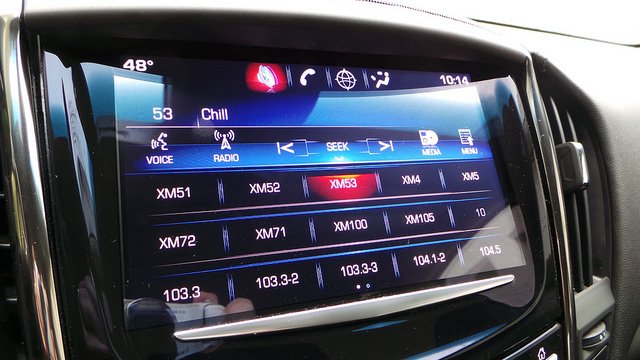
To set up and program radio station presets in Cadillac CUE, you can follow these general steps: Access the Radio Interface: Start by turning on your vehicle’s ignition or pressing the “Power” button without starting the engine. Then, navigate to the Cadillac CUE system on the touchscreen display. Select the […]
How to pair a Bluetooth device with Cadillac CUE?
To pair a Bluetooth device with Cadillac CUE, follow these general steps: Prepare Your Bluetooth Device: Make sure the Bluetooth feature is enabled on your smartphone or other Bluetooth-enabled device that you wish to pair with Cadillac CUE. Access Bluetooth Settings on Cadillac CUE: Start by turning on your vehicle’s […]
Will Replacing My Cadillac CUE Reduce Its Functionality?
Replacing your Cadillac CUE (Cadillac User Experience) system should not necessarily reduce its functionality if you ensure that the replacement unit is compatible with your vehicle and properly installed. Here are some considerations to keep in mind: Compatibility: Ensure that the replacement Cadillac CUE unit is compatible with your Cadillac […]
Are there aftermarket options for Cadillac CUE replacement?
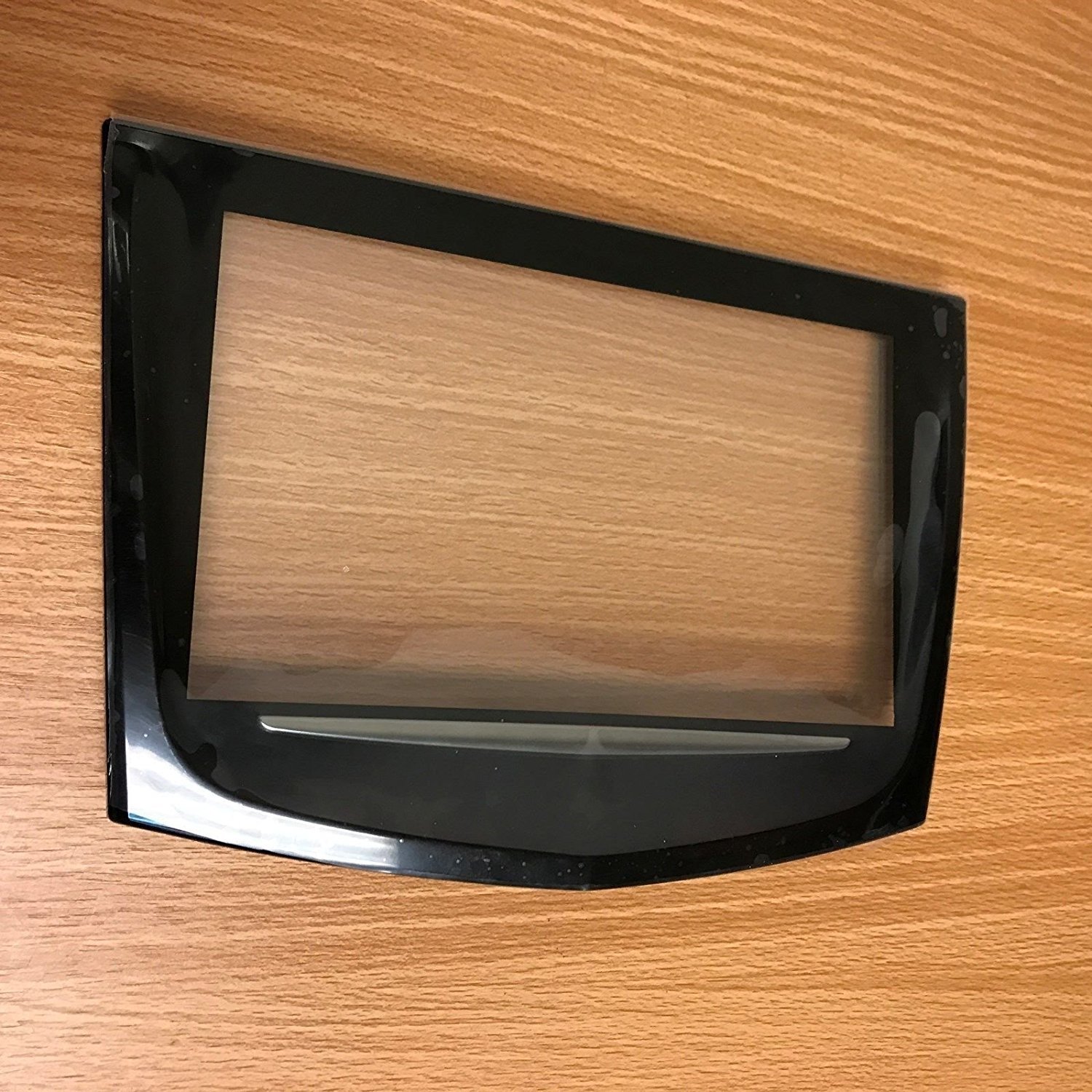
Yes, there are aftermarket options for Cadillac CUE replacement, specifically for the touch screen. These are typically cheaper than replacing the entire infotainment system from the dealership. Here are some options you can find online: Replacement Touch Screens: These are the most common aftermarket option and can be found for […]
Can Cadillac CUE be repaired, or does it need full replacement?
Cadillac CUE (Cadillac User Experience) systems can sometimes be repaired, depending on the nature and extent of the issue. However, in many cases, if the problems are severe or if there’s a hardware failure, full replacement may be necessary. Here’s a breakdown: Repairable Issues: – Some common issues with Cadillac […]
How long does it take to replace Cadillac CUE?
The duration required to replace a Cadillac CUE system can vary depending on several factors, including the specific model of your Cadillac vehicle, the complexity of the installation process, the availability of replacement parts, and the proficiency of the technician performing the replacement. In general, replacing the Cadillac CUE system […]
Can I upgrade my Cadillac CUE system during replacement?
Yes, you may have the option to upgrade your Cadillac CUE system during replacement, depending on the model year of your Cadillac vehicle and the compatibility of the new system with your vehicle’s hardware and software. Here are some points to consider regarding upgrading your Cadillac CUE system: Compatibility: Ensure […]