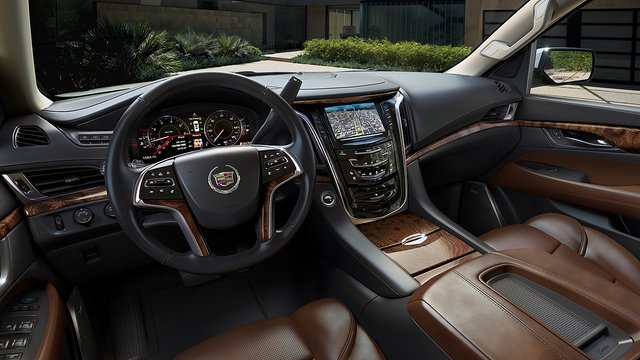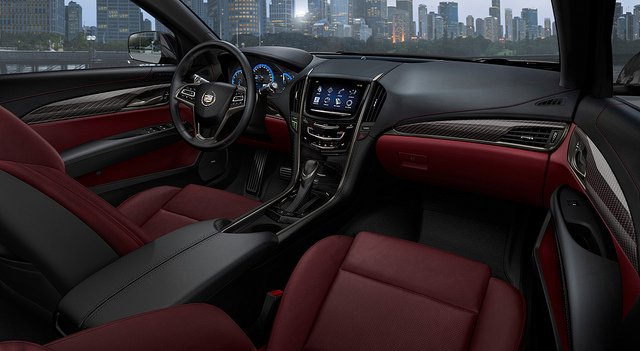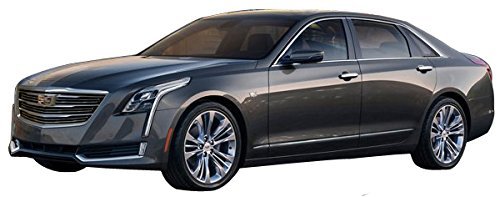
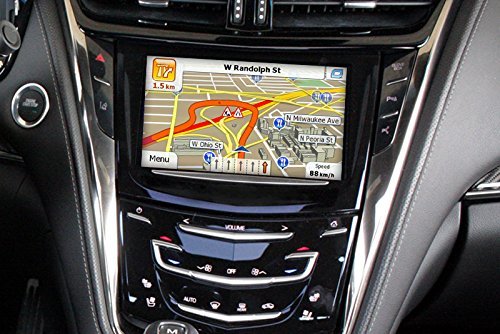
Many Cadillac owners think the only way to update their navigation is by paying dealership fees—but you can often do it yourself. Follow these Steps: Insert a USB drive into your Cadillac’s infotainment system. Go to the navigation update menu and select “Download Update.” Take the USB to your computer, […]
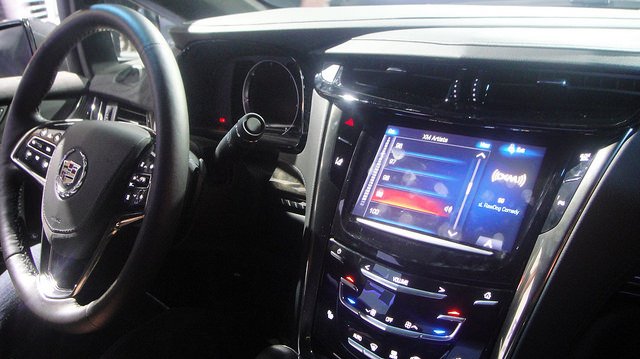
How to Prevent Cadillac Cue Touchscreen Failure
The Cadillac CUE infotainment system is notorious for becoming unresponsive or “ghost pressing.” You can prevent most issues with a few habits. Tips: Avoid pressing with fingernails—use the pad of your finger. Keep the screen clean with a microfiber cloth (no alcohol cleaners). Don’t store your Cadillac in direct sunlight […]
How to Use Your Cadillac’s Magnetic Ride Control for a Smoother Drive
Magnetic Ride Control isn’t just a marketing term—it actively changes suspension stiffness in milliseconds. But many owners leave it in default mode without realizing its full potential. How to Adjust: Select your drive mode: Tour (comfort), Sport (performance), or Snow/Ice (control). For city driving, keep it in Tour to absorb […]
How to Activate “Teen Driver” Mode in Your Cadillac
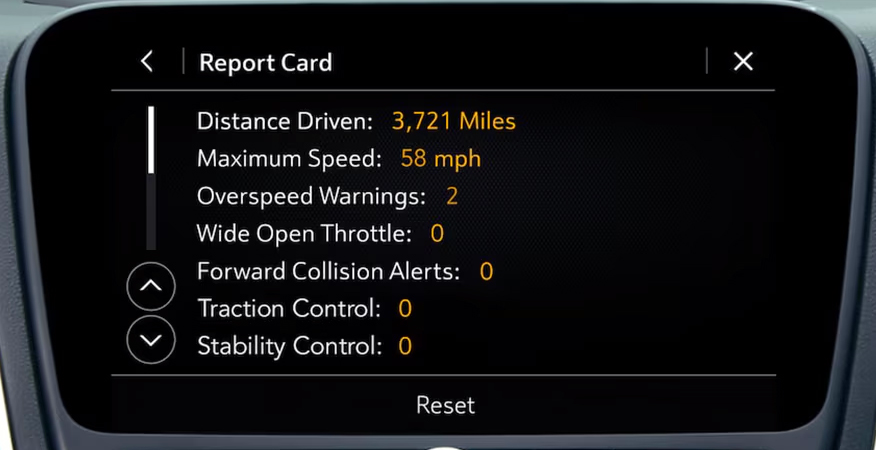
Many Cadillac owners don’t realize their vehicle can limit speed, monitor driving habits, and block certain features when someone else is behind the wheel. Perfect for letting a new driver borrow your car without the stress. Follow these Steps: Access the settings menu on your Cadillac’s infotainment screen. Select Teen […]
How to Jump Start a Cadillac Without Damaging the Electronics
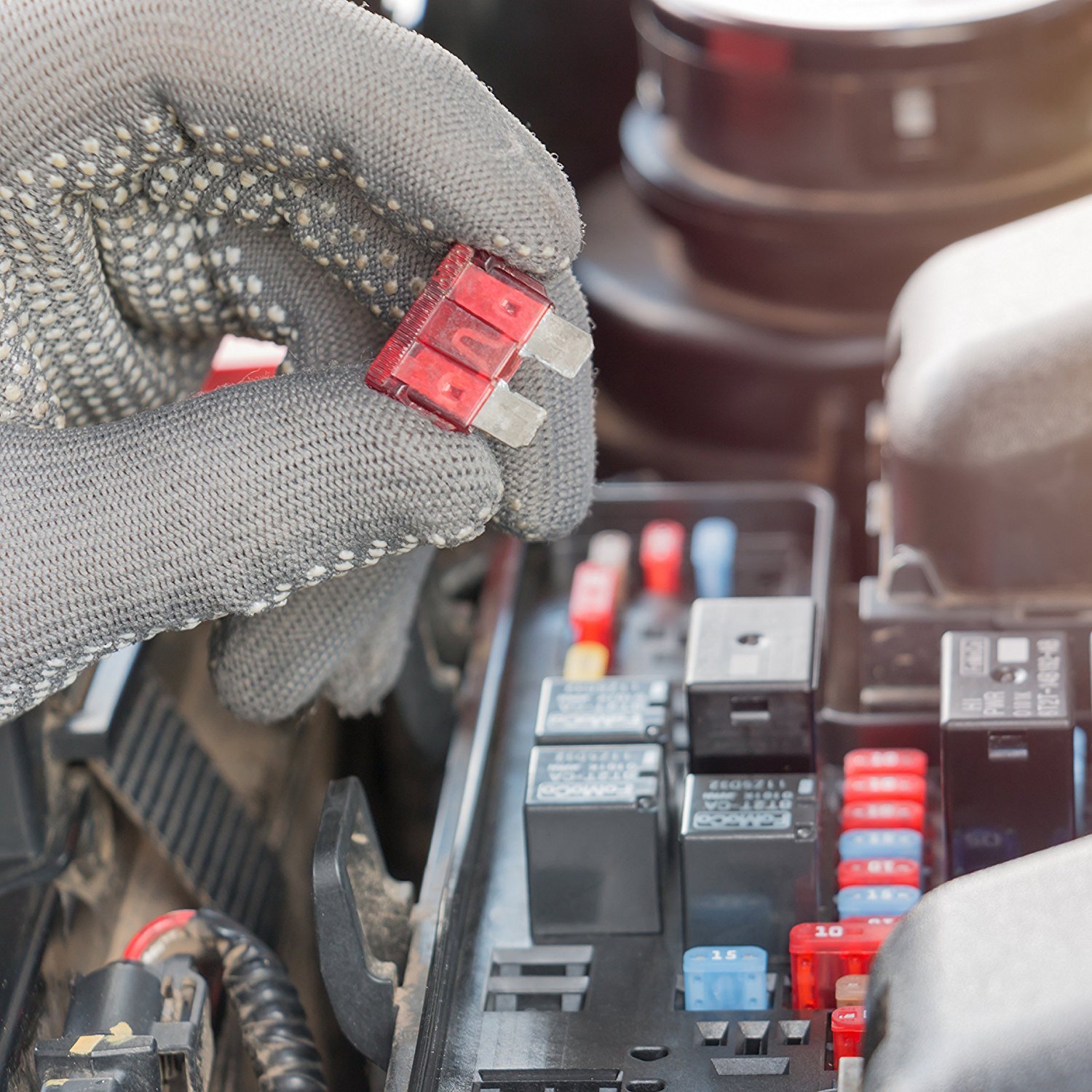
Luxury vehicles like Cadillacs have sensitive electronics, and improper jump starting can cause costly damage. Here’s the safest way to get back on the road. What You’ll Need: Jumper cables or a portable jump starter A working vehicle or power pack Instructions: Locate the battery terminals – In some Cadillacs, […]